planimity
openplan3d
Free Open Source 2D/3D Floor Plan Editor
Design floor plans in an intuitive 2D editor, then instantly preview them in a fully navigable 3D view — all in your browser. No account required, no server dependency; your projects stay on your device.
🌐 Try it live: app.openplan3d.com
Maintainers: see NEXT.md for the current backlog, verified baseline, iPhone release gates and Firebase cost constraints. The capability reference links implementation scope to regression coverage and records known limits.
User guide: docs/user-guide.md walks through every menu, tool, export and import as the hosted editor shows them. For AI agents: the plan-authoring skill describes both accepted file formats so an assistant can write or edit a plan you open with Import JSON.
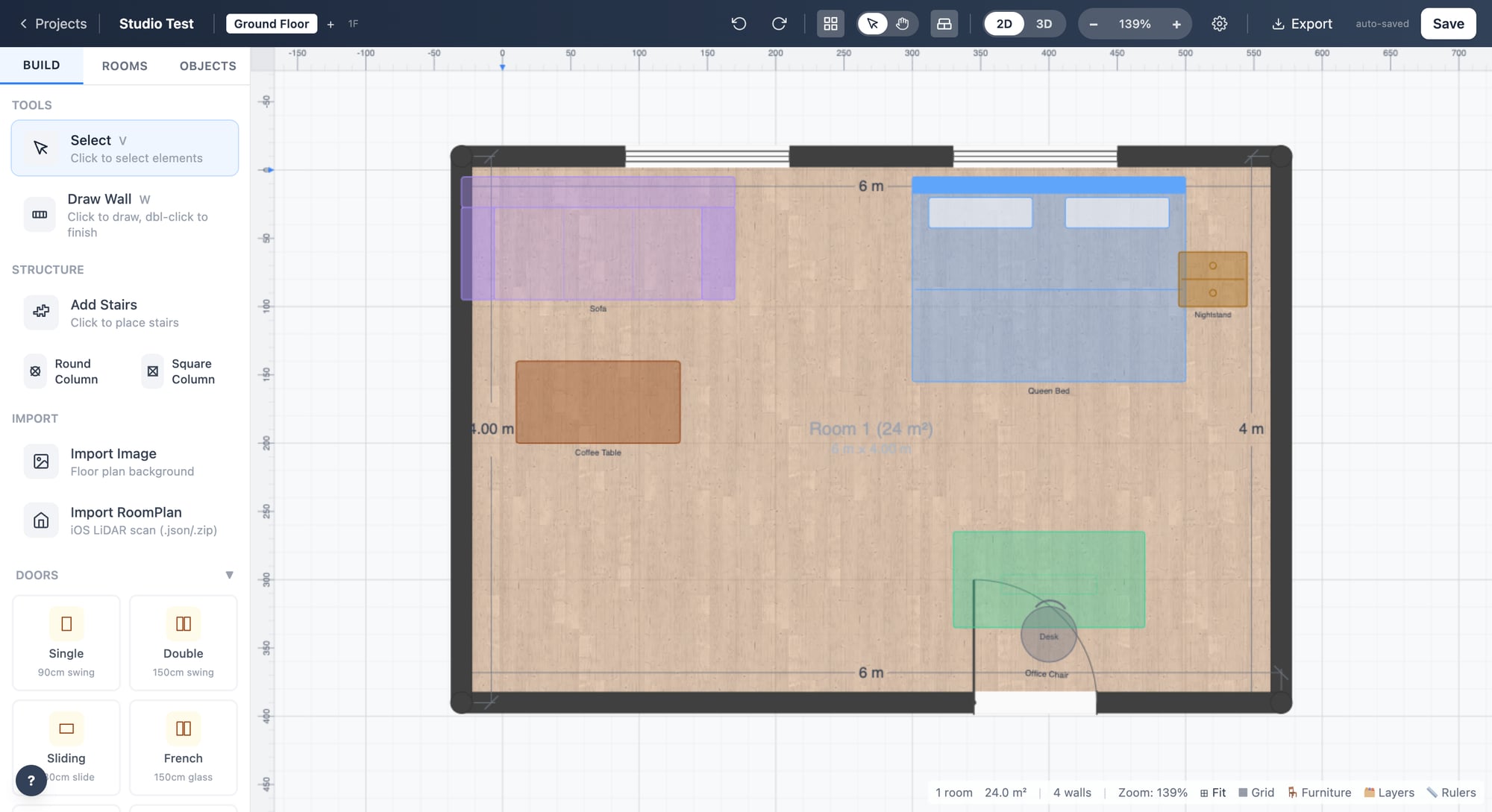
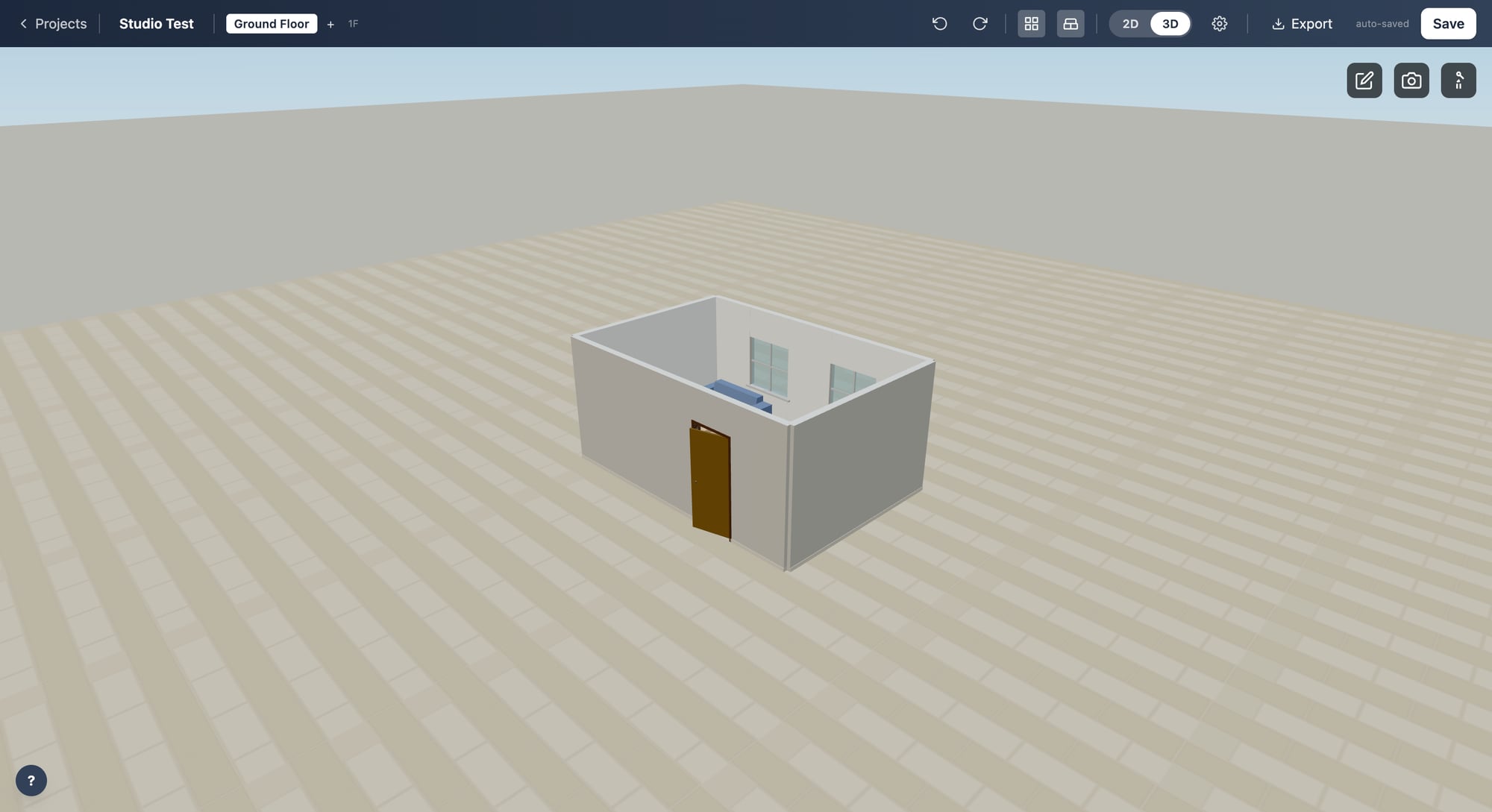
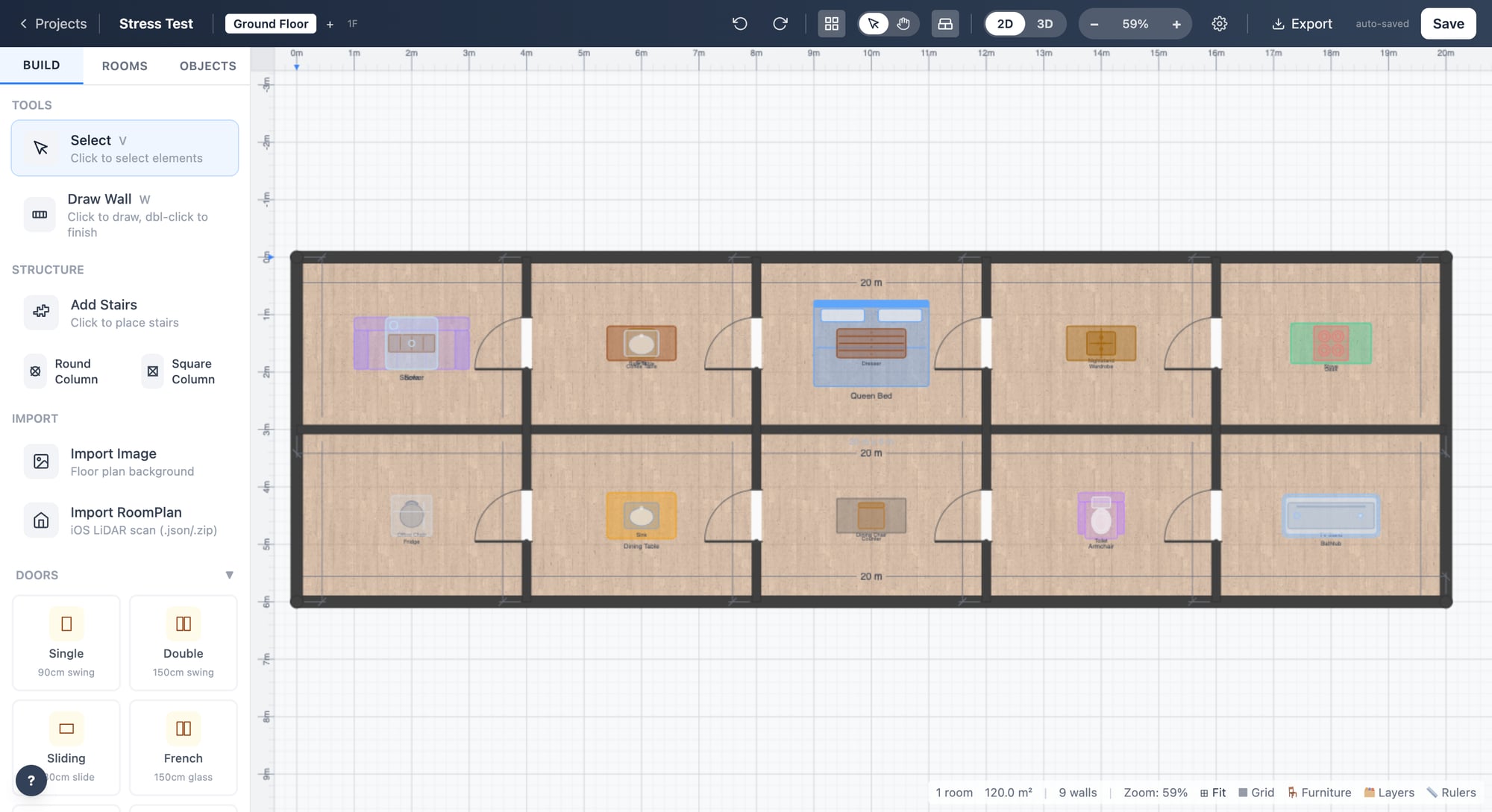
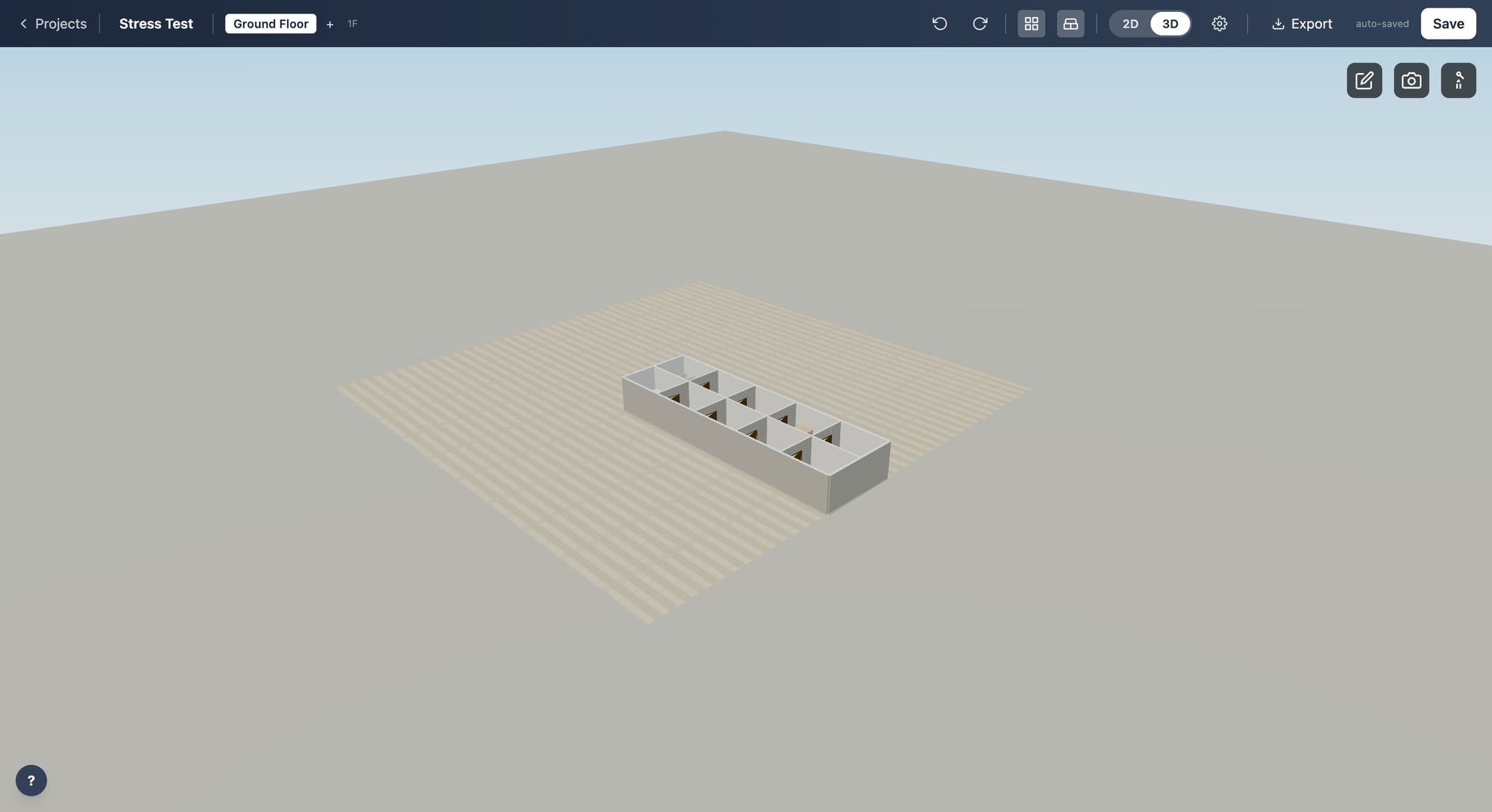
✨ Features
🏗️ Drawing Tools
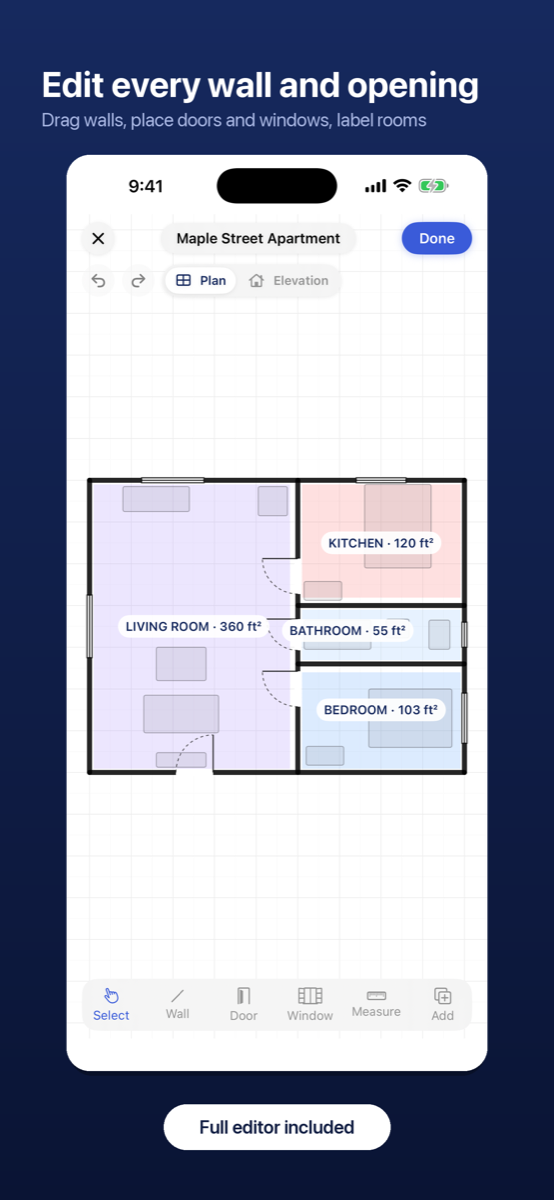
- Walls — Click-to-place with automatic snapping and angle constraints
- Doors & Windows — Multiple styles (single, double, sliding, pocket, bi-fold, french doors; casement, bay, picture windows)
- Stairs — Straight, L-shaped, and U-shaped with configurable dimensions
- Rooms — Auto-detected from walls with customizable labels and colors
🛋️ Furniture Library
- Categorized catalog for living room, bedroom, kitchen, bathroom, dining, office, outdoor, and more — see the catalog source for the current inventory
- Drag-and-drop placement with rotation, resizing, and snapping
- Full 3D models rendered in the 3D view
🏠 3D View
- Real-time 3D preview — Toggle with
Tab - Walkthrough mode — First-person navigation through your floor plan
- Material editor — Apply textures to walls, floors, and ceilings (wood, tile, marble, carpet, concrete, brick, and more)
- Lighting — Ambient and directional lighting with adjustable intensity
📐 Pro Tools
- Snap to grid with configurable grid size
- Smart guides and alignment helpers
- Multi-select with box selection and alignment tools (align left, center, right, top, middle, bottom; distribute evenly)
- Layers — Organize elements across multiple layers with visibility toggles
- Annotations — Text labels with customizable font size and color
- Room presets — Quickly apply standard room dimensions
- Undo/Redo — Full history with grouped operations
- Version history — Auto-saved snapshots you can restore
📤 Export
- SVG — Scalable vector graphics
- DXF — AutoCAD-compatible format
- PDF — Print-ready output with title block
- PNG — High-resolution raster image
- JSON — Project data for backup and transfer
- Project package ZIP — Edited plans and supported attachments for exchange with the native companion; see the format and limits
- Interchange JSON — For OpenKitchen3D, OpenLandscape3D, OpenCatio3D and the iPhone app: the family’s prepared RoomPlan JSON, saved as
<Project-Name>-openplan3d.jsonby Download interchange JSON; see the handoff format - Open in OpenLandscape3D / OpenKitchen3D / OpenCatio3D — Opens the other planner in a new tab with the whole plan in the link; nothing is uploaded. A plan too large for a link downloads the interchange JSON instead
📥 Import
- JSON — Restore saved projects
- Apple RoomPlan — Import room scans from iOS devices as a new project, or Add to this plan to stitch several scans into one floor plan
- Sibling planner files and handoffs — OpenKitchen3D, OpenLandscape3D and OpenCatio3D exports open with Import JSON, and the Open in OpenPlan3D buttons of OpenLandscape3D, OpenCatio3D and the OpenKitchen3D iPhone app open here directly; their cabinets, plants and structures are kept for the trip back
- Project package ZIP — Import edited native plans and supported attachments, with retained data governed by the package contract
- Clipboard images — Paste reference images directly onto the canvas
🔗 Works with
- OpenLandscape3D — gardens planned around the house footprint
- OpenKitchen3D — kitchen and cabinet planning inside a room
- OpenCatio3D — catios designed against the house walls
Three free web planners from the same makers. They read and write the prepared RoomPlan JSON described in docs/handoff-format-v1.md (their own docs call it “OpenPlan3D JSON”), so a plan moves between the editors through the Export menu, a file, or the Open in OpenPlan3D action in OpenLandscape3D, OpenCatio3D and the OpenKitchen3D iPhone app.
📱 Companion iOS App
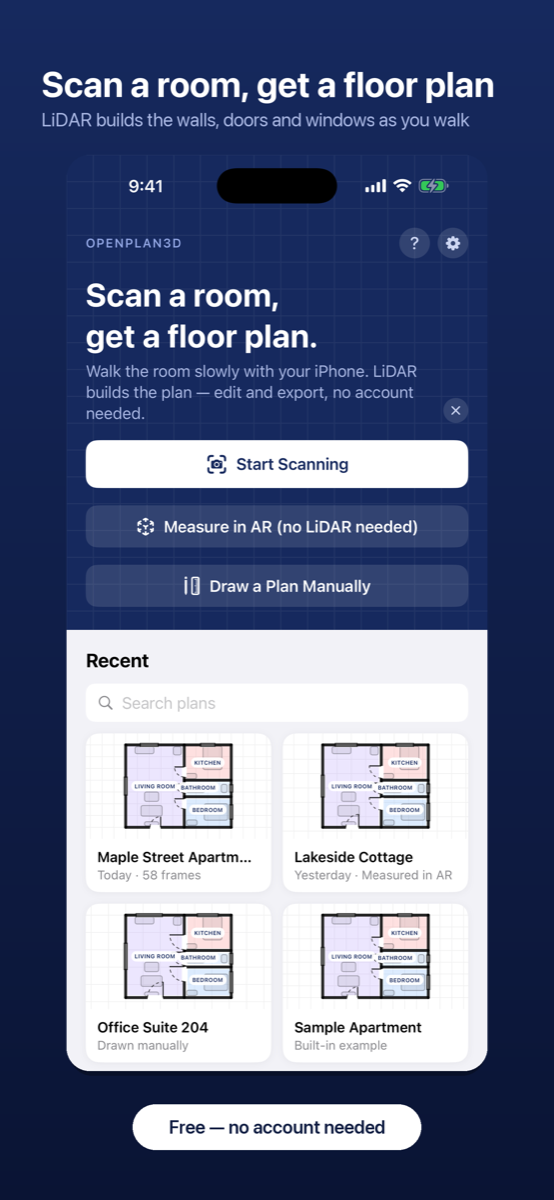
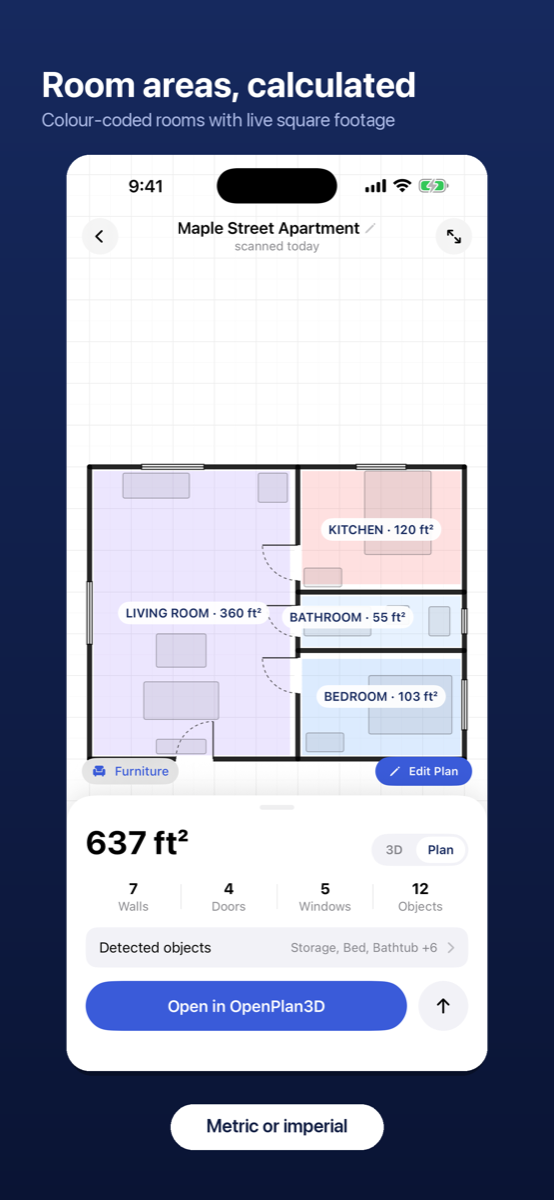
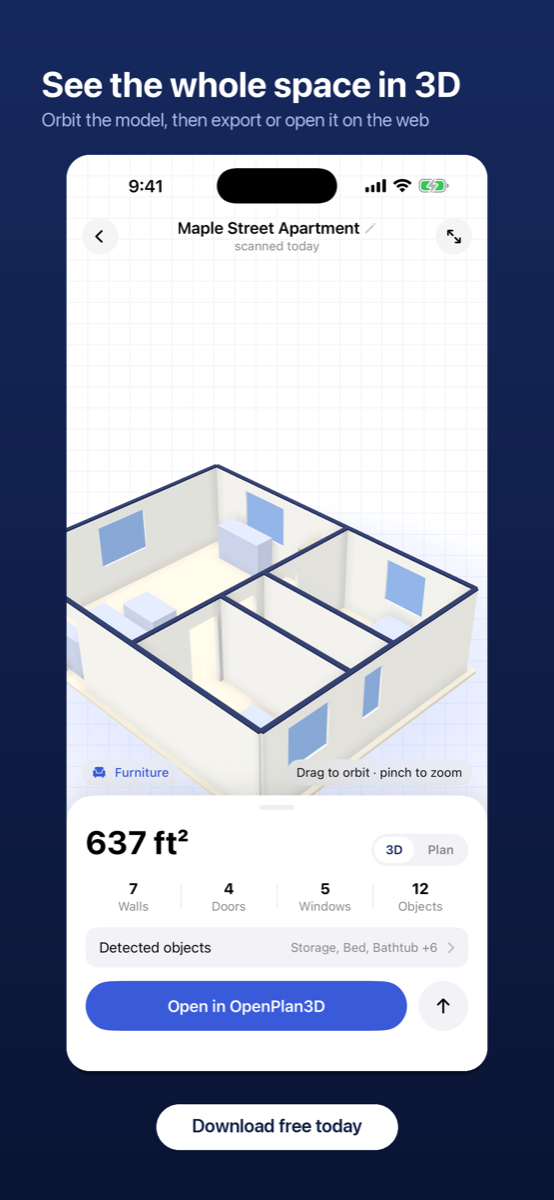
Scan a room with your iPhone and get an editable floor plan in seconds. The OpenPlan3D iOS app uses LiDAR (with an AR fallback for non-LiDAR devices) to build walls, doors, and windows as you walk, calculates room areas automatically, and shows the result in 2D and 3D — then hands the plan off to the web editor with one tap (see iOS capture handoff).
🚀 Getting Started
The easiest way to try openplan3d is the hosted version at app.openplan3d.com — no install needed.
To run it locally, use Node.js 24 (see .nvmrc) and npm:
# Clone the repository
git clone https://github.com/laanlabs/openPlan3D.git
cd openPlan3D

# Install dependencies
npm ci

# Start the development server
npm run dev
Open http://localhost:5173 in your browser.
See CONTRIBUTING.md for fixture-based reports, focused checks and pull requests. Maintainers can use the release checklist.
Development Checks
npm test
npm run check
npm run build
npx playwright install --with-deps chromium firefox webkit
npm run test:browser
GitHub Actions runs these checks for pull requests and pushes to main.
The regression suite covers local storage failures, autosave status, room metadata
and exports, and keyboard tools. Use npm run test:watch while working on a fix.
Production-browser CI runs the same regression suite in Chromium, Firefox and
WebKit, covering import/edit/undo/save/reload/export, damaged-file recovery,
iPhone project packages, photos, catalog loading, 3D and cold/warm asset transfers.
Each engine runs in a separate job against the same production build, with an
isolated Node server and analytics/cloud uploads disabled. The final check job
requires the build, every browser job and the rendering benchmark assertions to pass. Engine-specific failure
screenshots/traces and HTML reports are retained for seven days; the shared build
expires after one day. To run one engine, use
npm run test:browser -- --project=firefox (or chromium / webkit).
Firefox’s Linux CI job uses a virtual display and software OpenGL for real 3D
rendering (xvfb-run -a npm run test:browser -- --project=firefox --headed).
Linux WebKit is engine coverage, not a substitute for shipping Safari or physical
iPhone/iPad checks. Drawing, touch gestures and native share sheets still need
separate interactive/device checks.
Furnished-home benchmarks run in two Chromium profile jobs against that same build.
npm run benchmark:fixtures generates three importable local projects;
npm run benchmark:viewer measures desktop and DPR-2 phone viewports and writes
JSON metrics to benchmark-results. CI retains these artifacts for three days.
Timings on shared software-rendered runners are informational; allocation,
resource-release and local-only request checks are enforced. See
the benchmark method and limits.
Production Build
npm run build
npm run preview
⌨️ Keyboard Shortcuts
| Shortcut | Action |
|---|---|
V |
Select tool |
W |
Wall tool |
D |
Door tool |
T |
Text / annotation tool |
H |
Pan (hand) mode |
R |
Rotate selected furniture |
Tab |
Toggle 2D / 3D view |
Delete / Backspace |
Delete selected element(s) |
Escape |
Deselect / cancel |
Ctrl+Z |
Undo |
Ctrl+Shift+Z / Ctrl+Y |
Redo |
Ctrl+S |
Save project |
🛠️ Tech Stack
- SvelteKit — Application framework
- Three.js — 3D rendering engine
- Tailwind CSS — Styling
- TypeScript — Type safety
- jsPDF — PDF generation
- dxf-writer — DXF export
- Firebase — Hosting, analytics and temporary iPhone handoffs; projects stay local
🤝 Contributing
Contributions are welcome! Here’s how to get started:
- Fork the repository
- Create a branch for your feature:
git checkout -b feature/my-feature - Make your changes and run
npm test,npm run check, andnpm run build - Submit a pull request with a clear description of your changes
Please keep PRs focused and include screenshots for UI changes.
📄 License
This project is licensed under the MIT License.
Built with ❤️ for architects, designers, and anyone who needs a floor plan.
📱 iOS capture handoff
The companion iOS app can share an edited plan or Apple RoomPlan scan with the web editor. Local Export Editable Plan (JSON) requires no cloud upload.
- The updated iOS app posts JSON to
/api/handoffs, which validates it and reserves quota before creatinginbox/{CODE}.jsoninopenplan3d.firebasestorage.app. The code excludes I, O, 0 and 1. Unchanged plans reuse a valid link. Older distributed builds still upload directly to Storage during migration. -
The app shows a QR code / link of the form:
https://app.openplan3d.com/editor?import=CODE -
When the editor opens with an
importquery param, it downloads the JSON straight from Firebase Storage (no SDK needed):https://firebasestorage.googleapis.com/v0/b/openplan3d.firebasestorage.app/o/inbox%2F{CODE}.json?alt=mediaand imports it as a new project. Prepared iPhone exports preserve their angles by default; raw captures retain their scan-cleanup defaults. On success the
importparam is replaced with the new project’sidso a refresh won’t re-import.
storage.rules allows public reads of a capture by its code and no public writes, so every capture passes the endpoint’s admission limits. The endpoint enforces 1 MiB per capture, 1,000 reservations / 250 MiB per UTC day, and 10 reservations per minute. See configuration, costs and the cutover record. These limits are not a cap on Firebase spending.
Local agent bridge (dev server)
Running npm run dev, a local agent or script can read and edit the project open in your editor tab — live, one Undo
step per edit — through an MCP endpoint at http://localhost:5173/agent-bridge/mcp. Loopback only, never in
production builds; optional mirroring of every save to a folder. See docs/agent-bridge.md.
Assistant shares
POST /api/assistant-shares accepts a whole project package for the assistant
skills, keeps only the plan and referenced attachments for seven days, and returns
a share code and secret. POST /mcp is a read-only Model Context Protocol server
whose tools take that pair. Disabled until ASSISTANT_SHARES_ENABLED is "true";
see docs/assistant-shares.md.
One-time setup (project owner)
- Enable Storage for the
openplan3dproject in the Firebase console if it isn’t already. -
Deploy the rules:
firebase deploy --only storage -
Auto-delete stale captures — set a lifecycle rule that makes objects under the
inbox/prefix eligible for deletion at age 1 day (prefix-scoped lifecycle usesmatchesPrefix; deletion is asynchronous). Save this aslifecycle.json:{ "rule": [ { "action": { "type": "Delete" }, "condition": { "age": 1, "matchesPrefix": ["inbox/"] } } ] }Then apply it with either:
gcloud storage buckets update gs://openplan3d.firebasestorage.app --lifecycle-file=lifecycle.json
# or
gsutil lifecycle set lifecycle.json gs://openplan3d.firebasestorage.app
Review the bucket’s soft-delete, versioning, and retention settings as well. Deleted objects can remain billable during soft-delete retention; a one-day lifecycle does not guarantee one day of billed storage. Consider disabling recovery only for a bucket dedicated to reproducible temporary transfers, after confirming originals remain safely stored on-device. See the live configuration audit and cost plan and Cloud Storage soft-delete guidance.
-
CORS — the editor downloads captures from the browser, so the bucket must allow cross-origin GETs (without this the import fails with a CORS error in the console). Save this as
cors.json:[ { "origin": [ "https://app.openplan3d.com", "https://openplan3d--openplan3d.us-east4.hosted.app", "http://localhost:5173" ], "method": ["GET"], "responseHeader": ["Content-Type"], "maxAgeSeconds": 3600 } ]Then apply it (changes take a minute or two to propagate):
gcloud storage buckets update gs://openplan3d.firebasestorage.app --cors-file=cors.json
Local render lab (experimental)
A separate /render-lab page tests Blender-prepared GLB scenes with Three.js
interactive rendering and progressive GPU path tracing. It reads local files
without uploading them. See developer setup and limitations.